
Forum Replies Created
-
AuthorPosts
-
 Hans StockerParticipant
Haha, now it was my moment of gainy eyes and foggy brain here. Nice opening for Volume IX Keelin. Good question what sheep count. They are asleep now, so maybe you can wake them up to ask them. Great wooly picture anyway.

Baloney Balloon
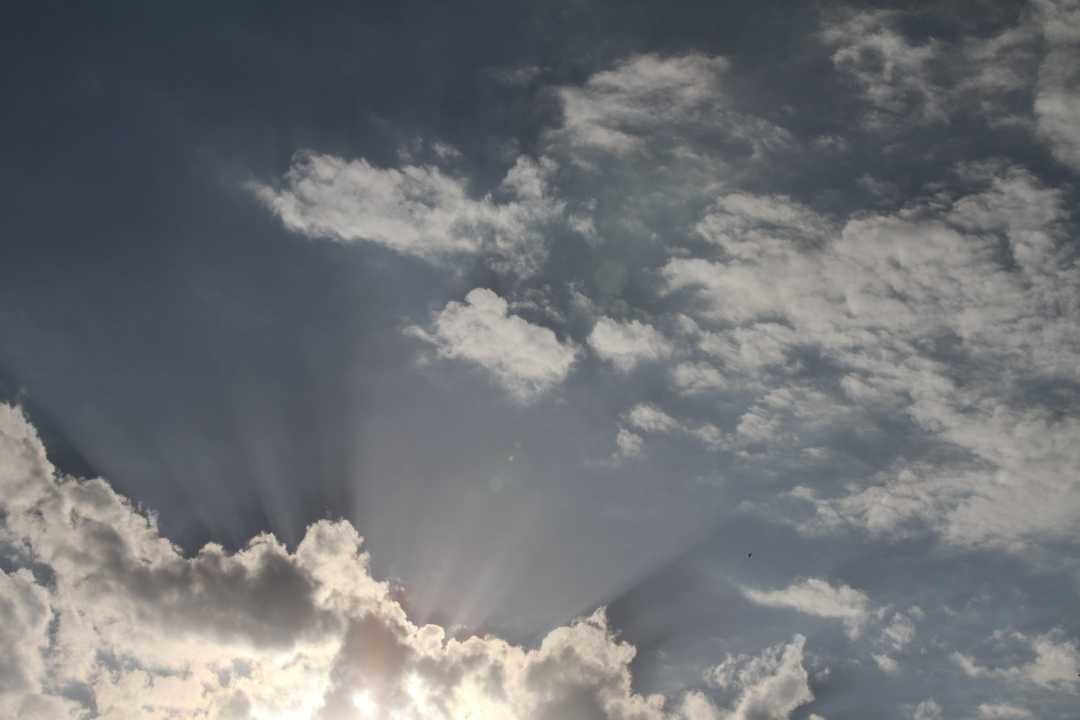
Hans StockerParticipantNice video George. It develops wonderfully towards the scene with the crepescular rays.
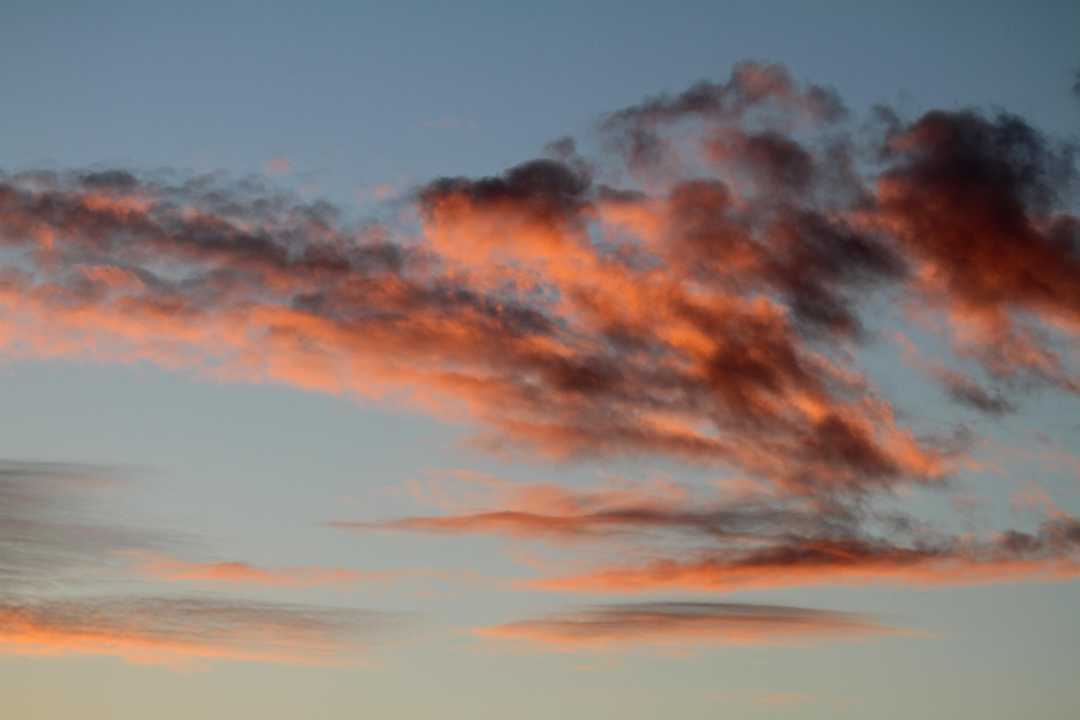
Some Reds
Hans StockerParticipantNice play in both ways, Keelin and Michael.
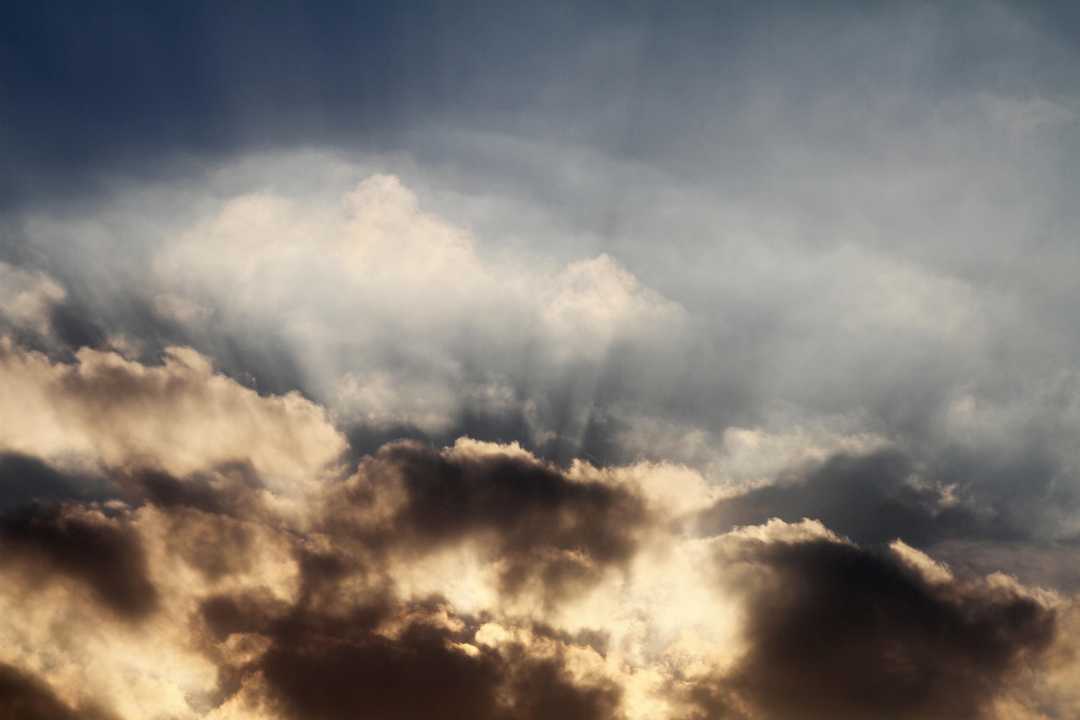
Light Play
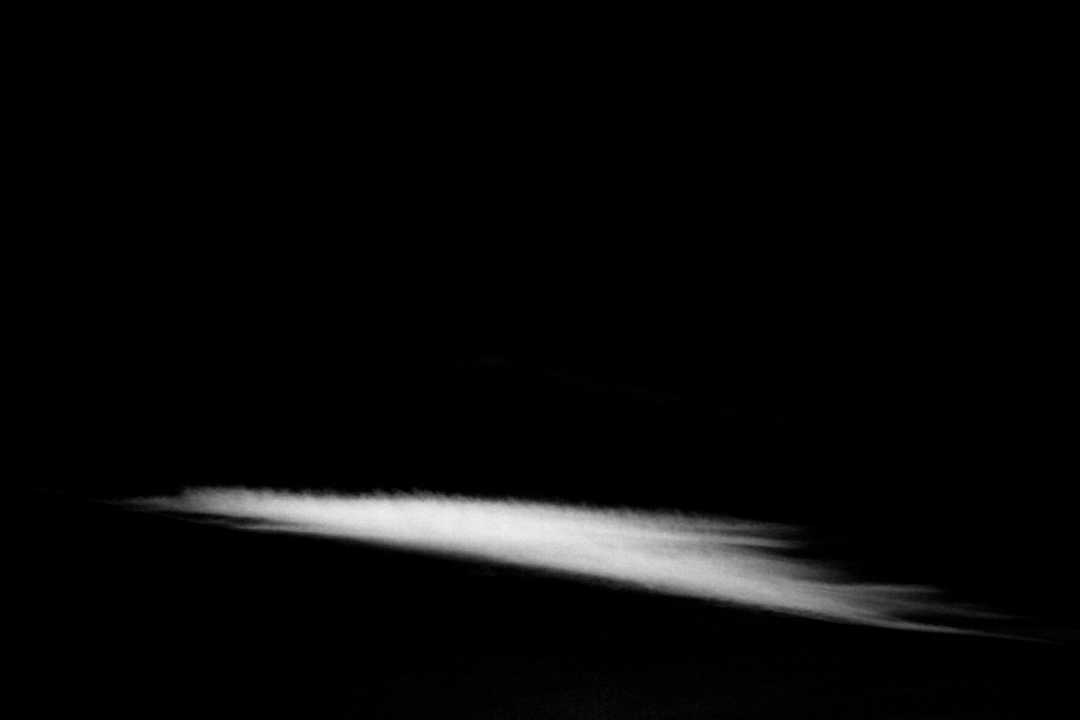
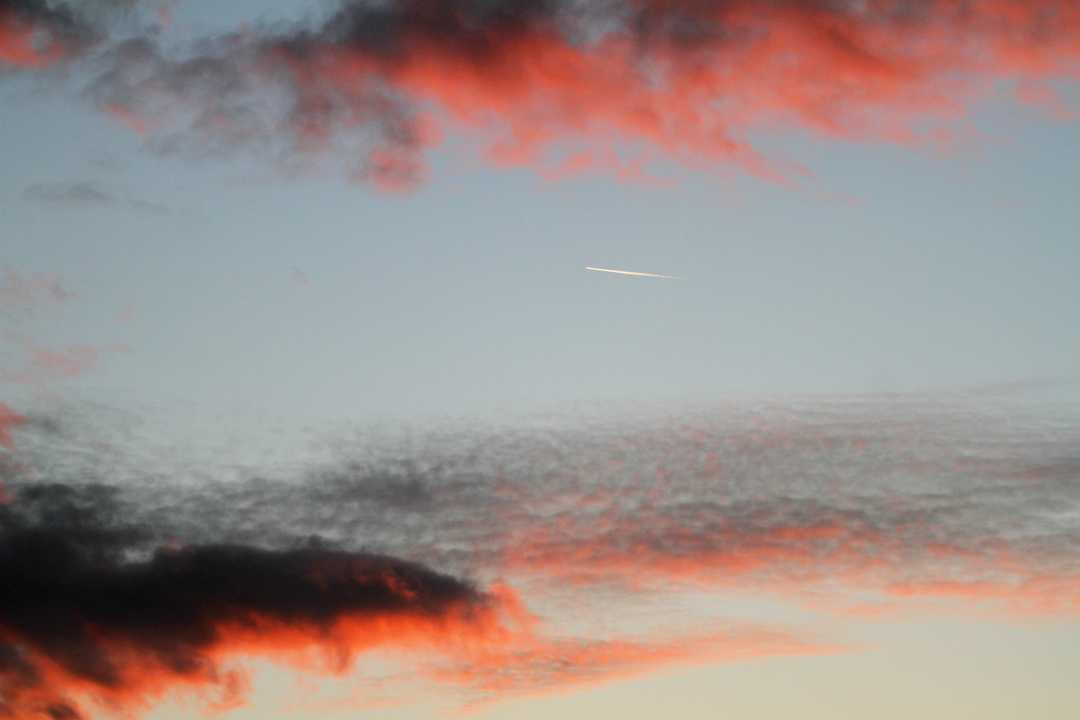
Hans StockerParticipantStealth Flight
Hans StockerParticipantNice carwash view Keelin. And after the carwash the sun reappears.
Hans StockerParticipantNo seasoning needed, Keelin.
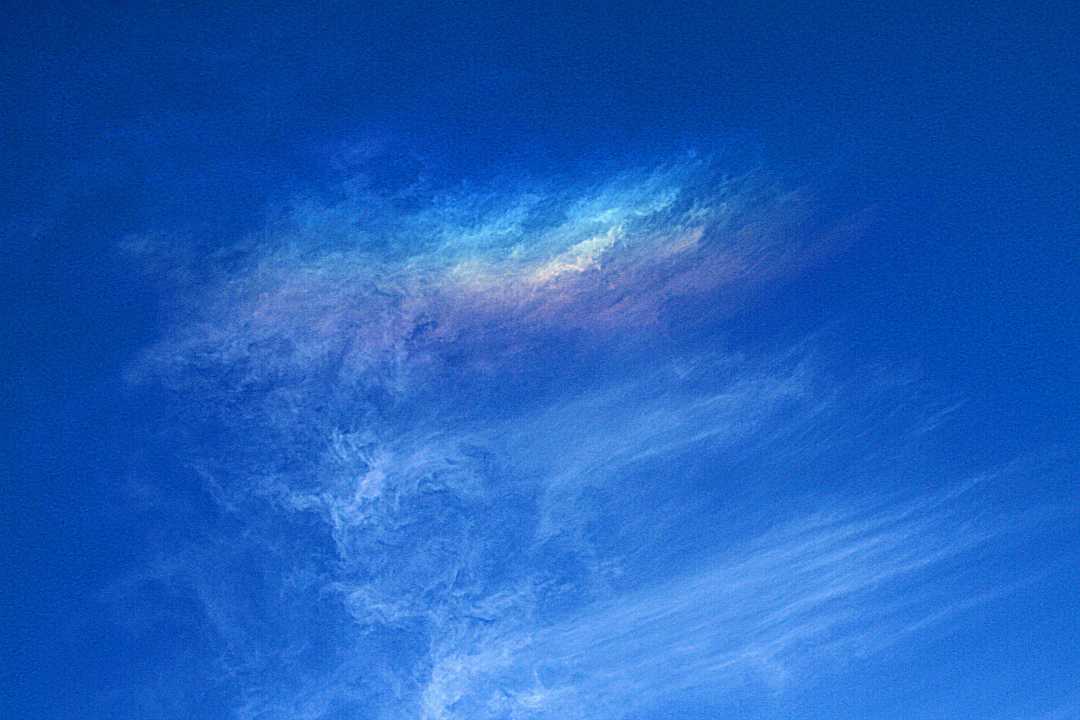
Also from the archives a CZA, a bit prepared to give it a special texture.
Hans StockerParticipantHaha, you’re welcome Keelin. I had to rub my eyes seeing your unique stepping stones! I think they will lead us further although the path might not be that straight.
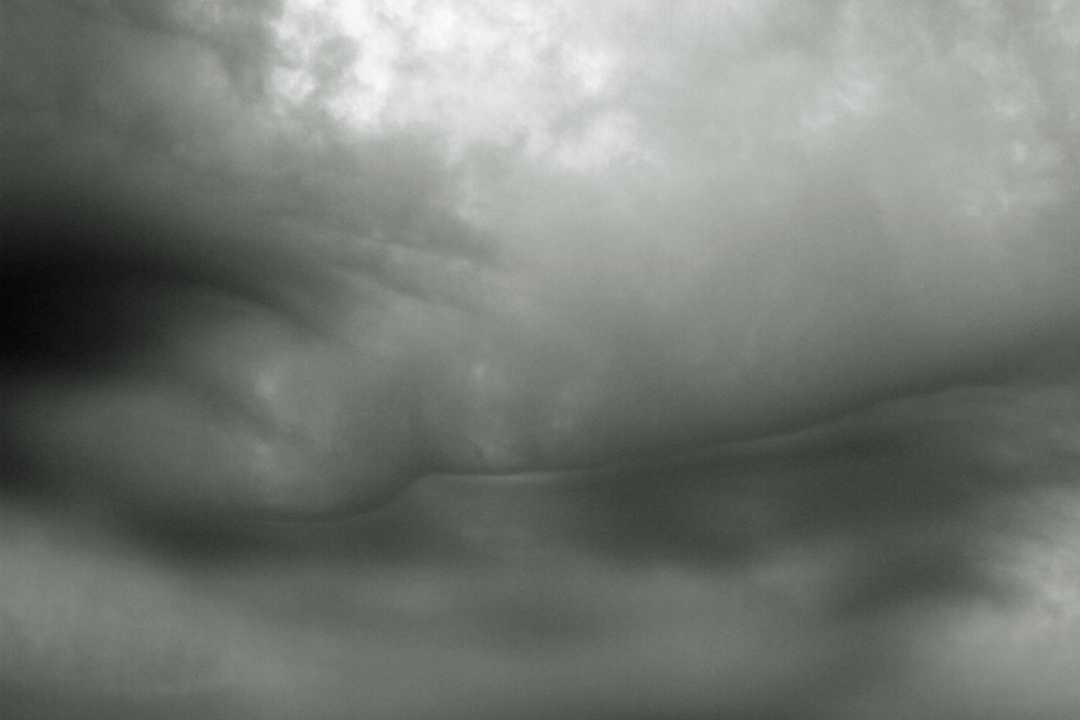
Hans StockerParticipantTranslucidus
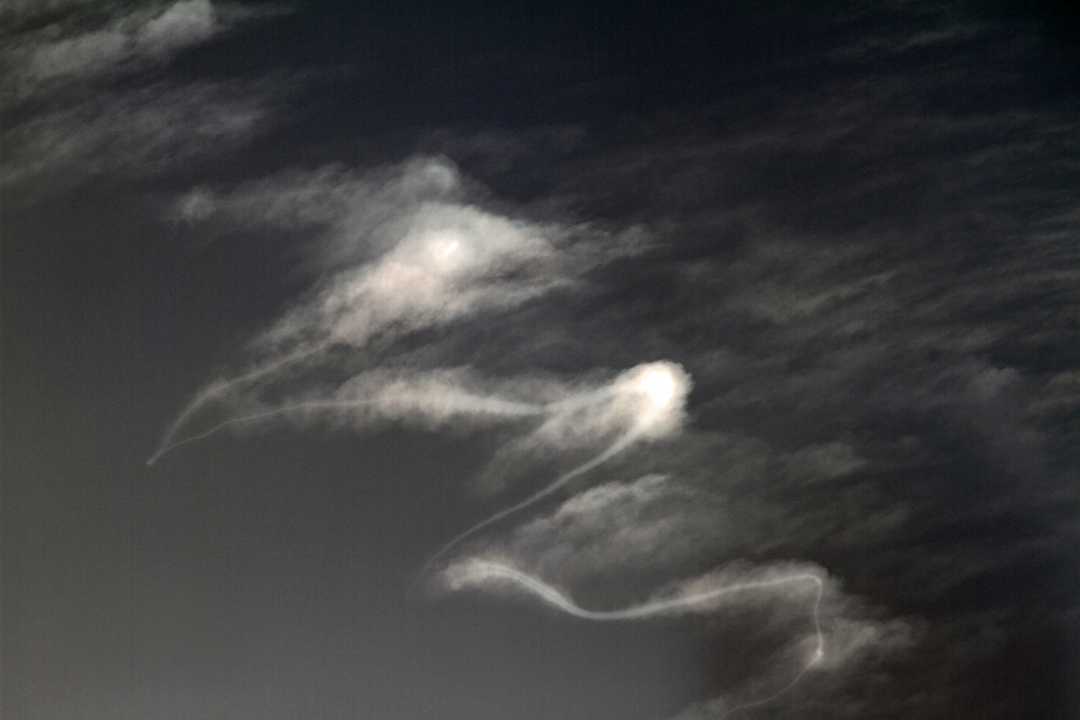
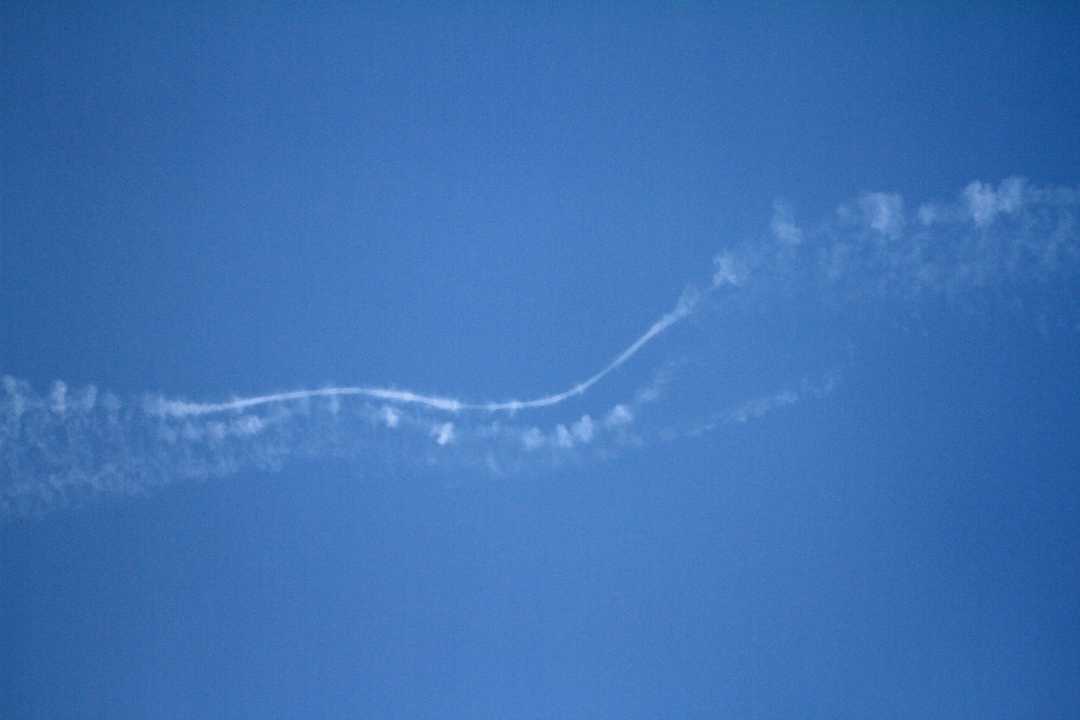
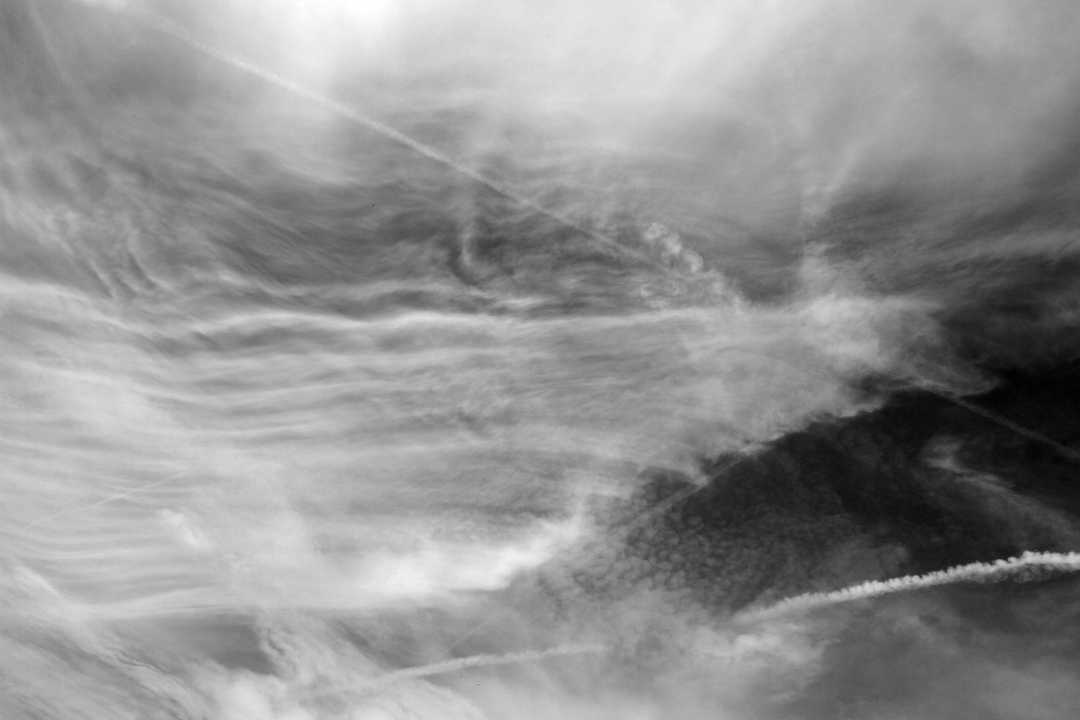
Hans StockerParticipantTrail
Hans StockerParticipantYes, mihoen. Funny that you had to look it up. Its seems so familiar over here.
Seeing Overrun I can’t resist to post Washed Away, now in color.
Washed Away (revisited)
Hans StockerParticipantYes indeed, it is all a bout short moments of opportunities Michael.
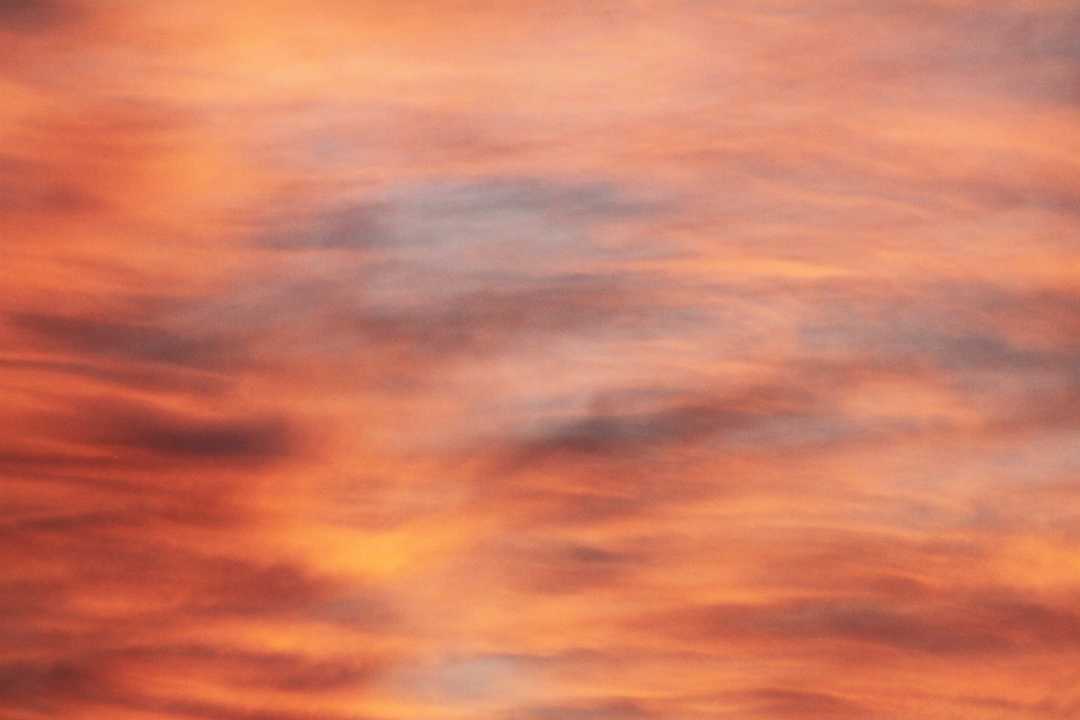
Pastel
Hans StockerParticipantThe Complete Ripplescape
Hans StockerParticipantHygge, I don’t know what your problems are with making a picture af about 1 Mb or less, being fit for posting on the forum. Maybe it helps when I describe how I do it. When I make a picture it is in large format about 5 Mb, so always too large to post. Editing the picture in photoshop you can choose “save as ..”. Then you can first choose a new name (so that you won’t loose the original file), secondly choose the wanted quality in a range from 12 (high quality) to 1 (low quality resulting in smaller size). Before you confirm your save, it will show the size the file will have after saving. Depending on the size you begin with you will see yourself which quality is needed to give a size of about 1 Mb or whatever you want it to be.
When you don’t have photoshop (or something alike) there is another way to downsize a picture by using the resize option of Windows itself. When you don’t have it already installed you can download it for free. Here is the link: Download resize tool. You will find via this link also the information needed to use the tool. After downloading and installation you will find that when you have an entry active in the directory where your pictures are and you ‘right click’ with your mouse several options will appear under which “resize” (together with the options for cut and paste etc. you might be familiar with already) . Choose small, medium or large and you will find out what the results are. Very easy imho. I hope this helps. I look forward for new pictures from you.
Hans StockerParticipantI am still Swept and Blown Away by two former posts.
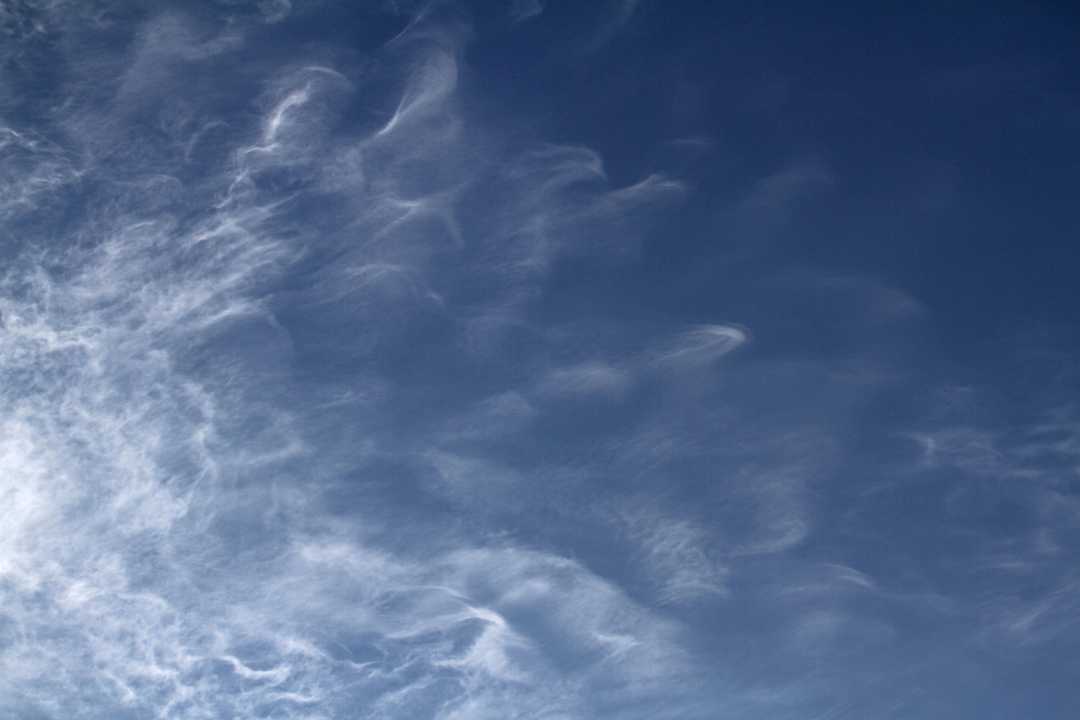
Fluttering In The Wind
Hans StockerParticipantI can imagine the graininess upon first awakening you posted in Volume II Keelin. Quite recognizable. Here some graininess at sunset.
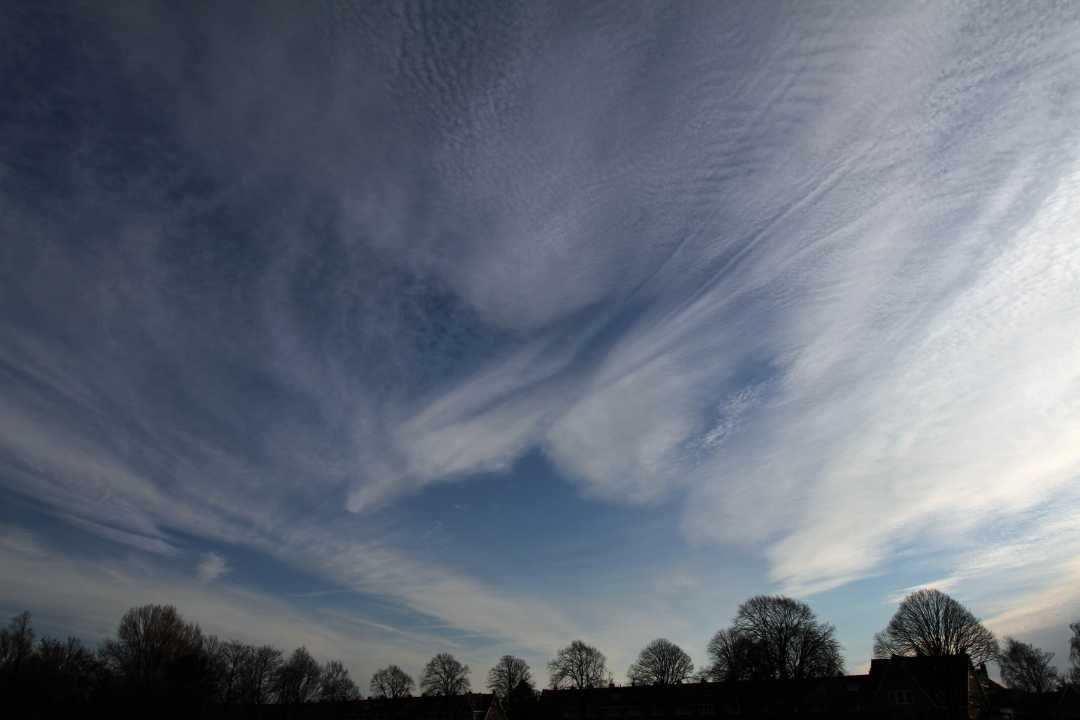
Sandwiched
-
AuthorPosts